Study guides
Bring the key ideas into a structured review.
Explore study guidesA place for the way you learn
Free to try.
Free to try, no sign-up needed. Usage limits apply.
StudySim is an AI study workspace from XYZAI, Inc. that turns your own notes, PDFs, slides, recordings and public YouTube videos into study guides, flashcards, quizzes and study podcasts.
| App | Builds study material from your own files | Tools | Price (checked 2026-10-30) |
|---|---|---|---|
| StudySim (ours) | Yes | Study guides, flashcards, quizzes, podcasts, visual tutor | Free tools; Pro $1 for 3 days, then $20/month or $120/year |
| Quizlet | Not listed on this page | Personalized study modes and Expert Solutions | Paid Plus plan, billed yearly. Dollar amount not shown on the upgrade page |
| Anki | Yes. You add your own cards and media (audio, images and videos) | Flashcards | Free computer version. Free AnkiWeb sync |
| Knowt | Yes. File creation listed on the free and Ultra plans | AI file tools and exam prep listed | Ultra $24.99/month or $95.99/year billed upfront. 3-day free trial on the annual plan |
| NotebookLM | Yes. Upload your own class materials. Free plan lists up to 50 sources per notebook | Audio Overviews, Flashcards and Slides listed | Free plan. Paid Google AI Plus, Pro and Ultra (dollar amounts not shown on the plans page) |
StudySim vs KnowtStudySim vs NotebookLMStudySim vs StudyFetch
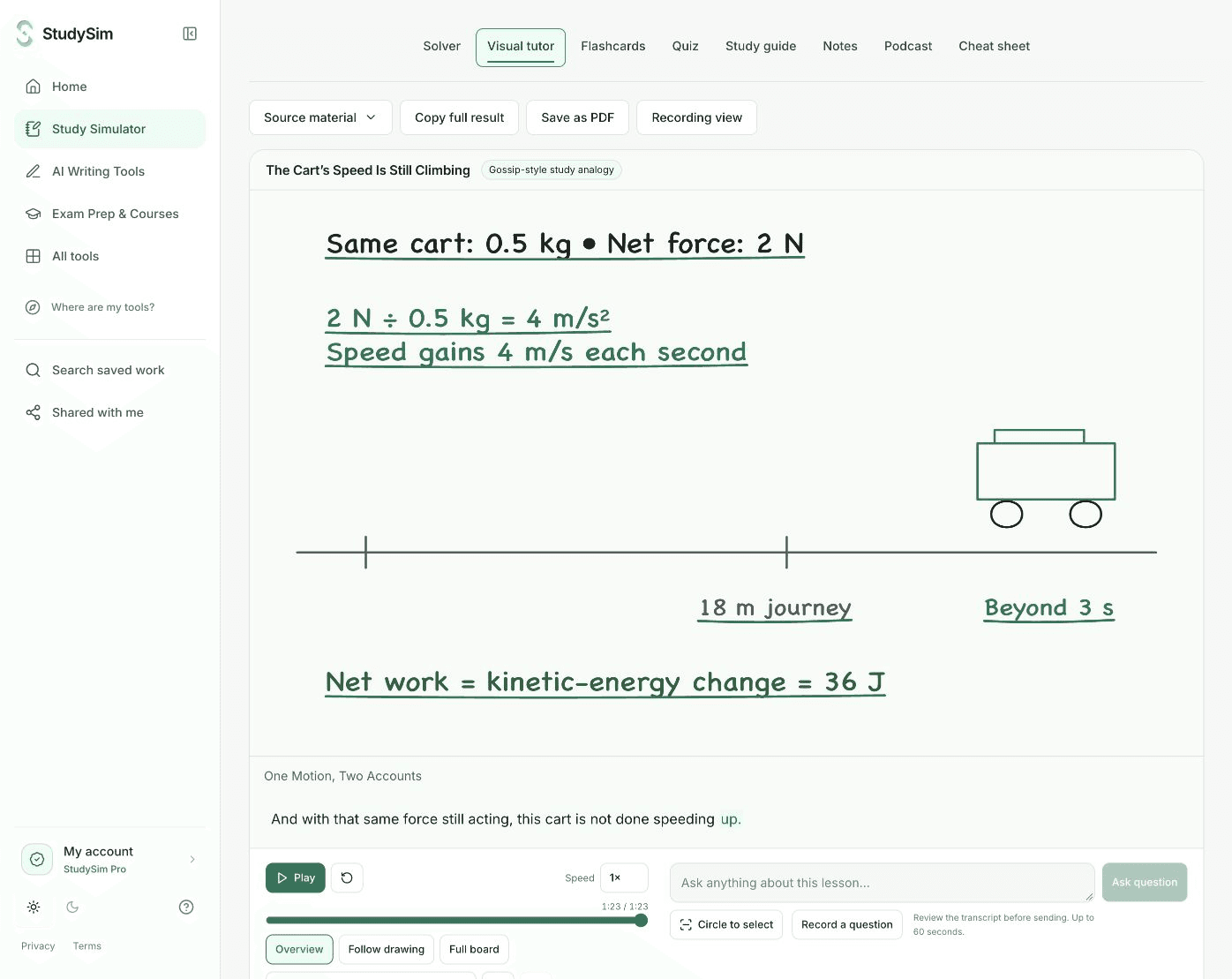
Visual tutor
The free AI tutor turns a question or your notes into a narrated visual explanation. Pause a drawing, ask about part of it, revisit a section, and try the lesson’s checkpoint.
Want a different voice for the explanation? Gossip style turns the topic into a lively study analogy while keeping the lesson grounded in your material.
Study Simulator
A guide to find the shape of a topic. Flashcards to retrieve the details. A quiz to see what needs another pass. A podcast when you want to listen.
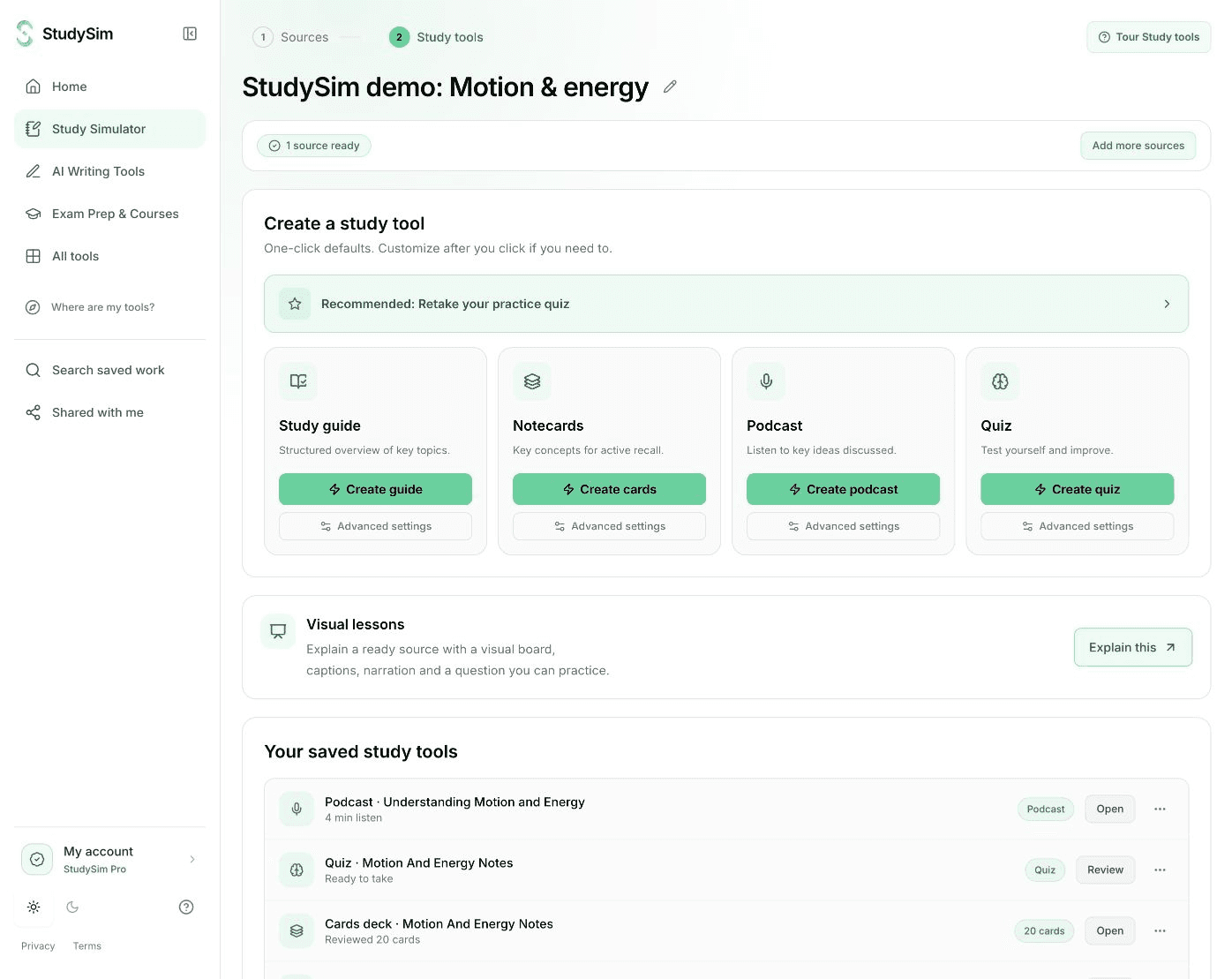
Bring the key ideas into a structured review.
Explore study guidesPractice retrieving one idea at a time.
Explore flashcardsCheck an answer, then understand the explanation.
Explore quizzesHear a narrated review of your material.
Explore study podcastsQuick tools work on their own. Sign in to save your work, and go Pro to build study sets from a whole course.
How Study Simulator works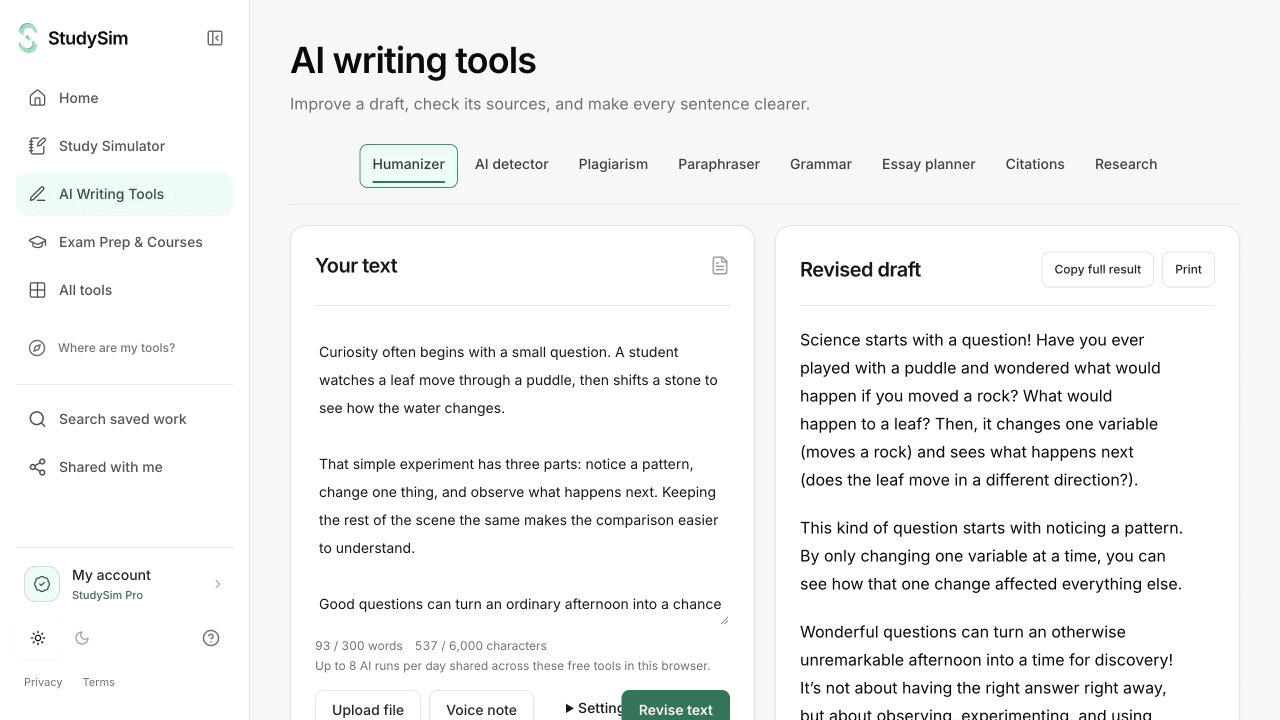
Writing & research
Revise a passage, check grammar, plan an essay, find a citation, or look up scholarly sources. Check for AI writing and plagiarism, with clear notes on what each check can and can't tell you.
Detector scores and web matches are signals to review, not proof of authorship or copying.
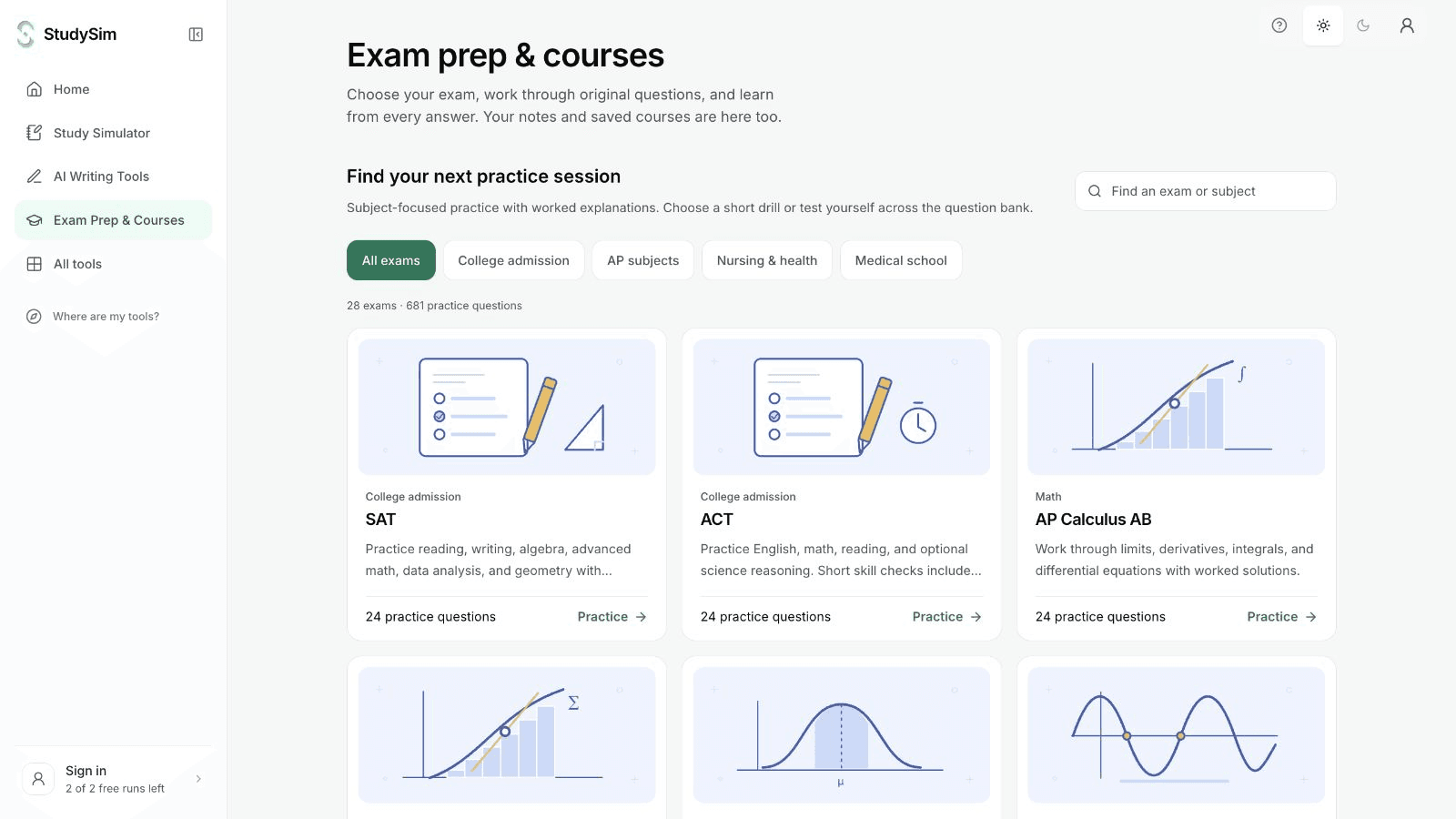
Exam prep
Try original sample questions for the available entrance, healthcare, and AP tests, with answer explanations. Make a separate quiz from your own material when you want focused practice.
Free original questions for SAT, ACT, AP, nursing and medical school preparation, with worked explanations for every answer.
Study, writing, source research, word counting, and everyday calculations. Go straight to the task you need.
A quick tool when you need it. An account when you want to keep it. Pro for your course workflow.
Yes. You can try the AI tools free without signing up. The word counter and calculators are always free. Sign in when you want to save your work.
StudySim is an AI study workspace from XYZAI, Inc. that turns your own notes, PDFs, slides and recordings into study guides, flashcards, quizzes and study podcasts. It is the home for your study tools and saved courses. Use a quick tool on its own, or open a course to return to its sources, study guides, flashcards, quizzes, podcasts, and saved visual lessons.
Pro turns everything saved in a course into study guides, flashcards, quizzes and podcasts. See Pricing for plans.
Yes. All your courses and saved work are still here. Open Study Simulator to find them, or select "Where are my tools?" in the sidebar for a quick tour.
Review AI explanations against your sources, especially before an exam or submission. Writing detectors can be wrong, and a web similarity scan cannot establish copying or misconduct. Each tool explains the scope of its output.
The free tools cost nothing and have usage limits. Pro is $1 for your first 3 days, then $20/month or $120/year unless you cancel. Cancel from your account at any time.
A problem, a paragraph, a page of notes. Bring it to StudySim and choose your next step.